Sioul
Sioul [siwl] is Breton for calm, peaceful, silent.
Sioul is a desktop application that gathers your mail, your tasks and your admin in one quiet window, on your own computer.
It is designed for people for whom admin hurts: autistic people, people with ADHD, people who are anxious, traumatised, burnt out, depressed, or simply exhausted.
Why it exists
Many neurodivergent people choose to work for themselves. Office life does not fit them: the open-plan office, the noise, the constant interruptions.
Working for yourself brings more admin than a salaried job: quotes and invoices, taxes, social contributions, clients, the bank. And admin is exactly what ADHD, trauma, depression and burnout make hard.
It is not laziness. Putting off a letter protects your mood for now (Sirois & Pychyl 2013). Administrative burden weighs most on people with the fewest resources left, executive function and health among them (Christensen et al. 2020).
Meanwhile, modern life scatters everything:
- mail arrives at several addresses;
- banks, the tax office and health insurers keep their letters in "secure mailboxes" on their own websites, and only send a mail saying that something is waiting there;
- chats live in the browser;
- tasks, appointments, medicines, paper letters and the papers asked again and again (an identity card, the last tax notice, rent receipts) each live somewhere else.
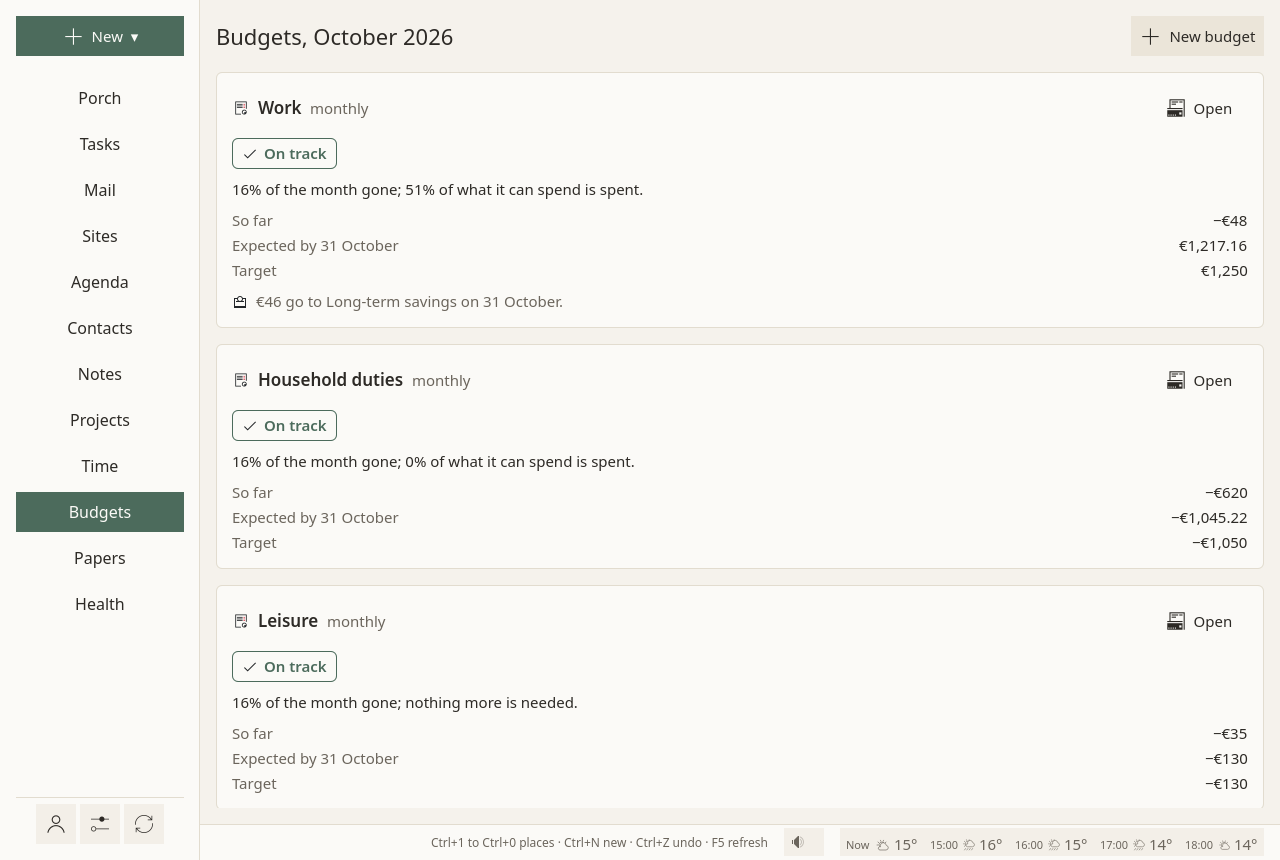
Most software is built to make you answer faster: counts, red badges, sounds, streaks. Sioul starts from the other end. It is designed from the well-being of the person towards the demands of work, admin and money, not to fit the latest management method.
What it does
-
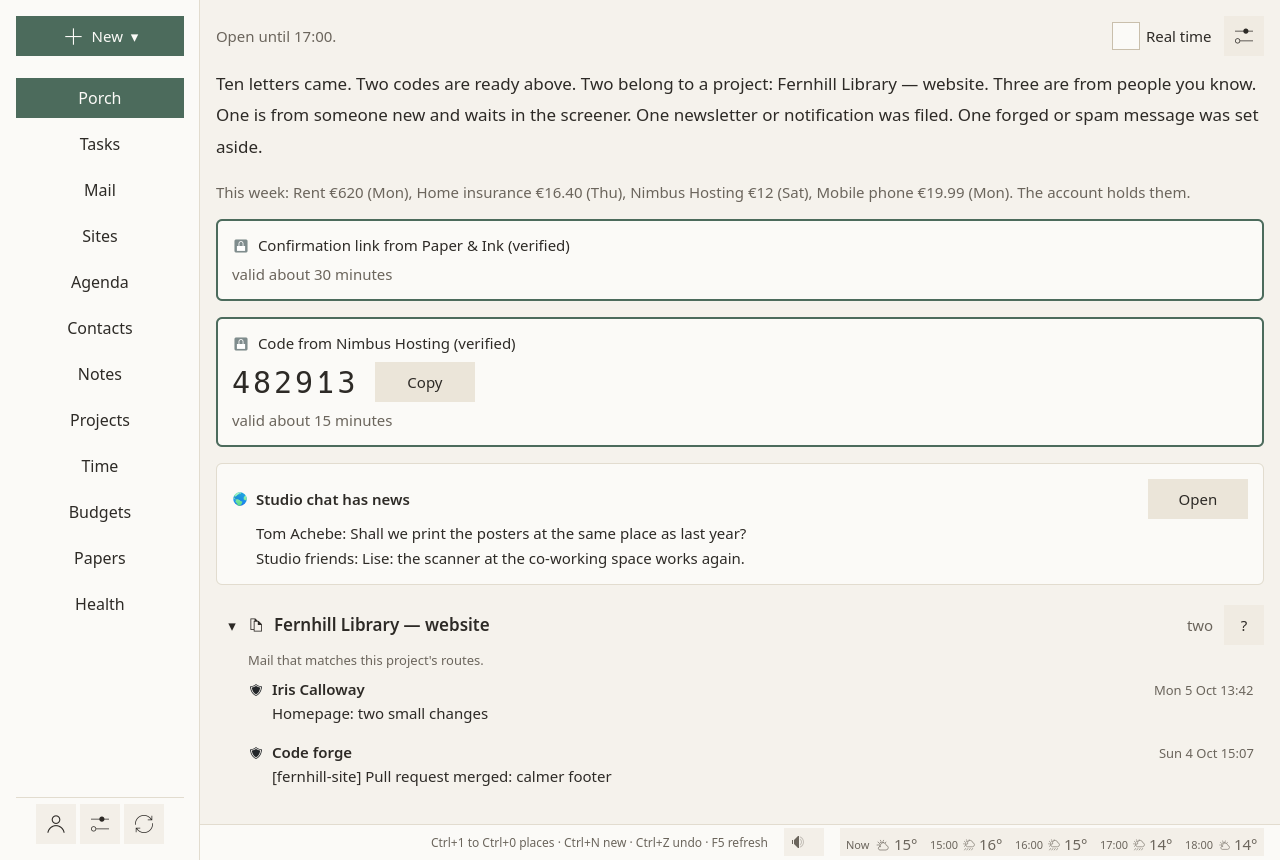
Mail waits on a porch
New mail is checked (genuine or forged), sorted, and shown in the hours you chose. The codes and links you just asked a site for come at once, quietly.
-
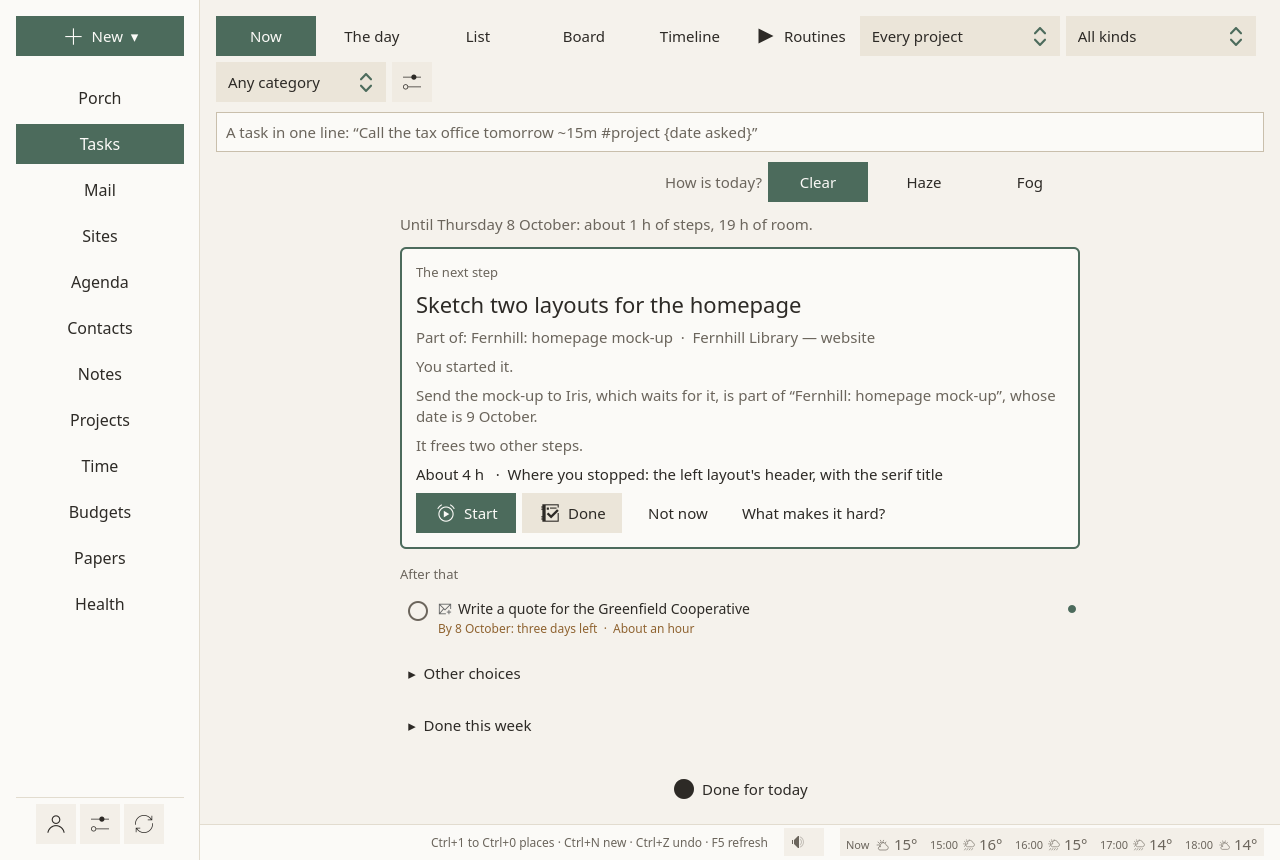
One next step
Tasks that wait for each other are ordered into the one step to take now, with its reason. Nothing is ever overdue. Starting is helped, and stopping counts.
-
Hours set in advance
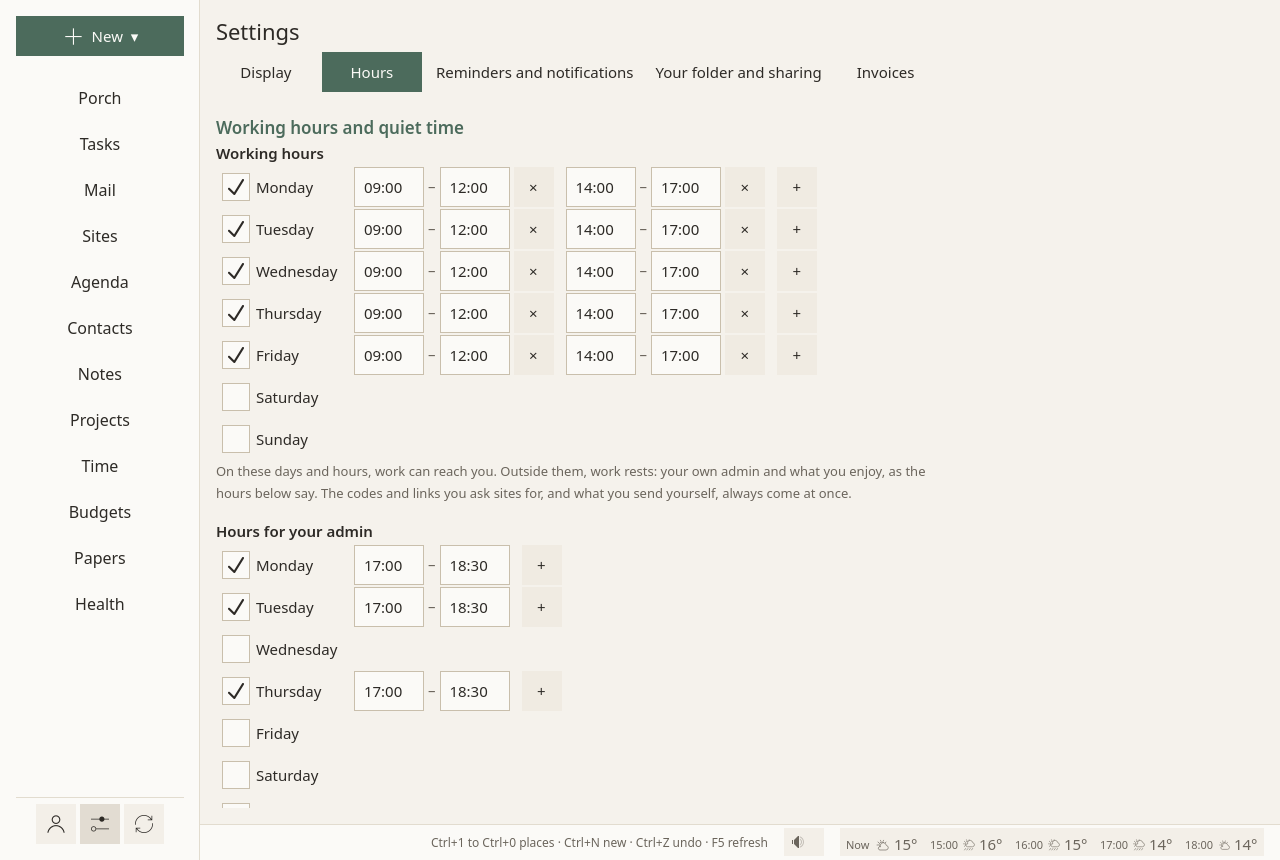
Working hours, hours for your own admin, free time. Each address, site, budget and task belongs to one or several of them. The rest waits, out of sight.
-
Everything in one place
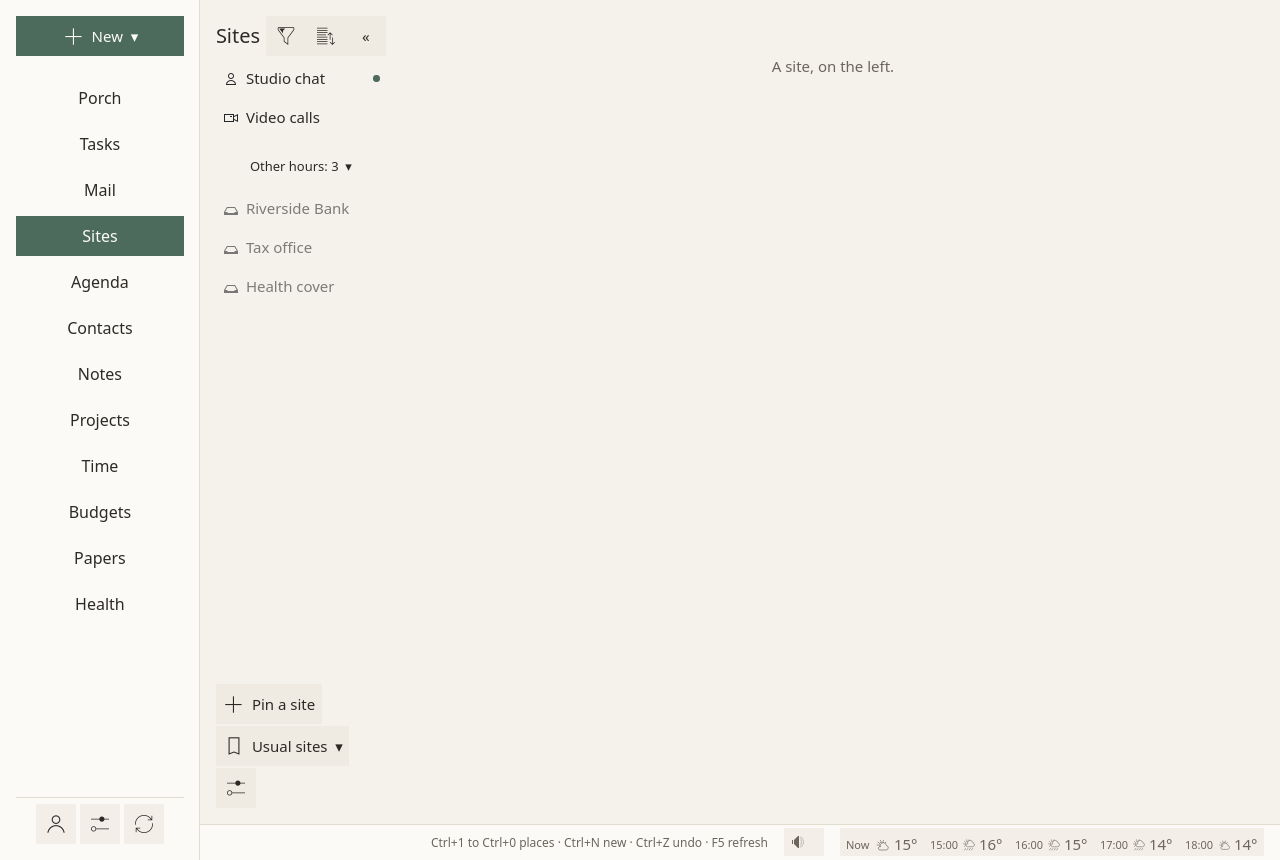
Mail, agenda, contacts, notes, projects, time and invoices, budgets and bank accounts, papers and paper letters, medicines, and the websites you have to check.
-
Nothing shouts
No unread counters, no badges, no red, no sounds, no streaks. Nothing moves under your eyes. "Undo" waits ten seconds after anything is moved, deleted or sent.
-
Yours
It runs on your computer. Your data stays in plain files and in your own accounts. There is no server of ours, and nothing goes to the developer.
Your Google calendars, contacts and tasks can come too. If you sign in with your Google account, Sioul reads and writes them, only to show them beside the rest of your admin and to save the changes you make there, and keeps a copy on your computer. Nothing goes to the developer. What it reads, where it keeps it, and how to take the access back: privacy policy.
Working for yourself
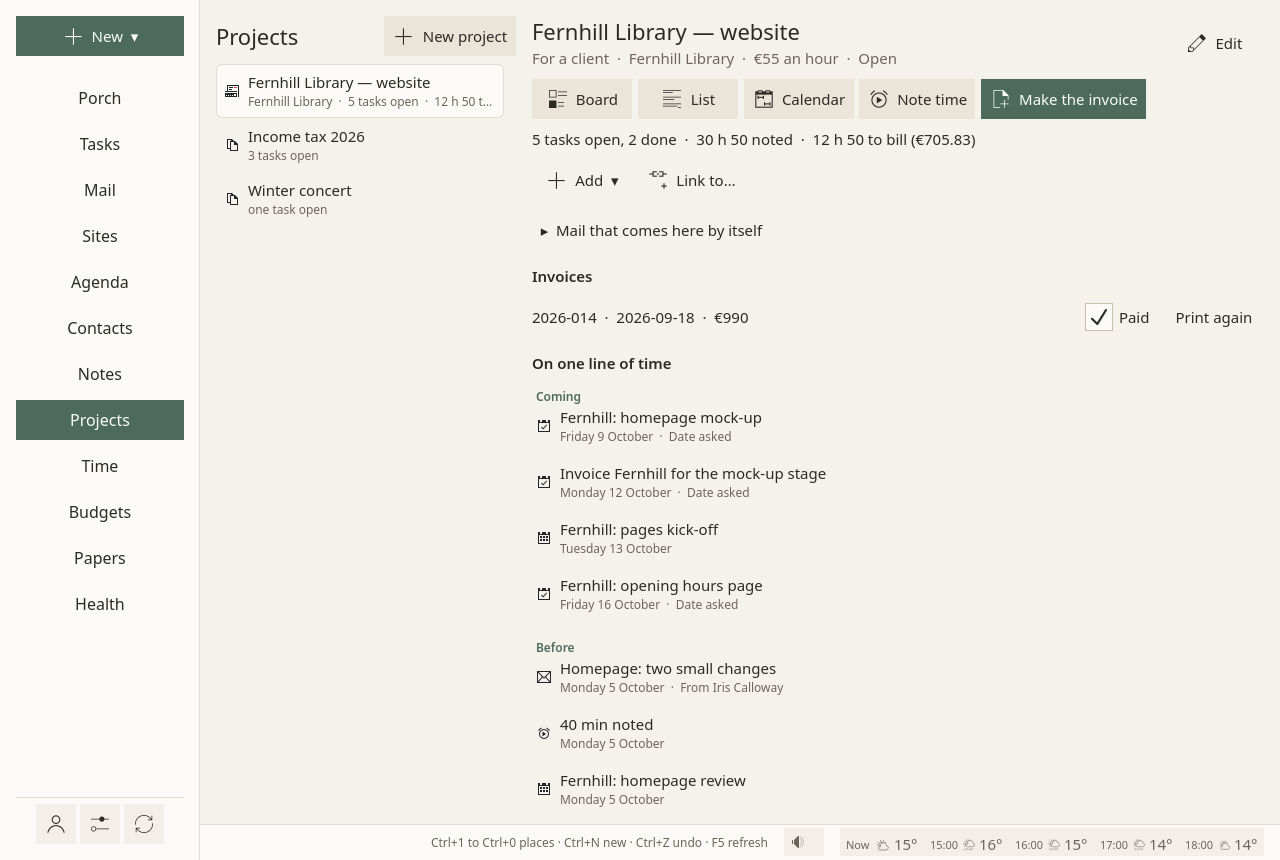
Freelancers, consultants, the self-employed: the work you sell and the admin it brings live in the same window, from the client's first mail to the paid invoice.
- A project per client, whose mail comes to it by itself: by the client's domain or addresses, by words in a subject or in an attachment's name.
- Time counted while you work. The focus timer counts for the task and its project; a meeting or a call is noted in a few keys:
1h30. - What is left to bill, for each project, in hours and in money, always in view.
- The invoice in one click: a line per task at the project's rate, numbers that never skip or repeat, the mentions French law asks for, a PDF; then the money expected in your budget until it is paid.
- A spreadsheet for your accountant, and the same time and invoices on your desktop and your laptop, sealed end to end.
No time tracker, timesheet or invoicing service beside it, and no subscription: your clients and your invoices stay in your own files. Working for clients
Built on research
Each choice in Sioul follows what studies found about attention, stress, avoidance and recovery, several of them with autistic or ADHD people. A few of them:
- Fewer, predictable looks at mail. Checking mail three times a day lowered daily stress in a randomised trial (Kushlev & Dunn 2015). Batching notifications three times a day improved attention and mood, while people given no notifications at all felt more anxious (Fitz et al. 2019). So Sioul shows mail in hours you choose, and always says when they come.
- Interruptions cost, even when ignored. A notification left unanswered still disrupts attention (Stothart, Mitchum & Yehnert 2015). So there are no pop-ups, sounds or badges, and the layout never moves under your eyes.
- Starting is the hard part. Autistic inertia is a difficulty acting on intentions, eased by outside scaffolding (Buckle et al. 2021). With ADHD, help belongs at the point of performance (Barkley 2012). So Sioul picks one small next step, and says why.
- Progress, never streaks. Broken streaks lower later engagement, more so when people blame themselves (Silverman & Barasch 2023). So Sioul shows what got done, and never counts what did not.
- Evenings are for recovery. Detaching from work after hours goes with less exhaustion (Wendsche & Lohmann-Haislah 2017), and merely expecting work mail in the evening does harm (Becker et al. 2021). So work rests outside your working hours.
All the findings, with their sources and the rule each one gives: what the research says. Each study in detail, with how strong its evidence is: the research notes.
What it looks like
Where to start
- Install Sioul. For now it is built from its sources, on Linux first.
- Take the first steps: add your mail, your calendars and contacts, your Google account, the websites you check.
- Set your hours, so that work, admin and rest each have their time.
- Then read about the Porch, where new mail waits.
Where it stands
Sioul is young (version 0.0.1) and changes often; it is used every day. Packages for Windows, macOS (Apple silicon and Intel) and Linux (AppImage and Flatpak) are on the releases page (Install): built and tested by GitHub, used daily on Linux, little tried elsewhere yet. An Android version is being tried; it is not ready.
It is made by one person, in the open: no support is promised. Questions and reports are welcome in GitHub issues.
For technical readers
- Every message checked on arrival: SPF, DKIM, DMARC, ARC and reverse DNS, by Sioul itself. Forged mail is set aside with the reason. Names borrowed from brands are caught, even when written with look-alike letters.
- Attachments scanned before they open, by your system's antivirus: ClamAV on Linux and macOS, Microsoft Defender (through AMSI) on Windows.
- HTML mail made safe: nothing remote loads, nothing runs.
- Security keys and Bitwarden: WebAuthn and FIDO2 keys (a YubiKey) work in the sites you keep. Logins are filled from Bitwarden, read by Sioul itself and never written.
- OpenPGP: signing and encrypting as you send, with Autocrypt and the Web Key Directory.
- Sharing between your computers through a Nextcloud, Dropbox, Syncthing or any synced folder, end-to-end encrypted (XChaCha20-Poly1305, the key made from your passphrase by Argon2id). No server of ours.
- Open standards and plain files: IMAP, SMTP, CalDAV and CardDAV, tasks linked as RFC 9253 says, Maildir, Markdown, TOML.
- Free software, under the GPL-3.0-or-later licence, written in Rust, with a Qt 6 window.
For developers: the design notes, the architecture, and how to build and test.